
I spent years assisting photographers who would spend three hours setting up a complex lighting rig, only to end up with a subject who looked flat, tired, or just plain lost. They’d swear by their expensive modifiers, but the truth is, sometimes the light just doesn’t cooperate with the person in front of you. When you’re sitting there at 11:00 PM staring at a RAW file that feels “off,” you realize that knowing how to dodge and burn a portrait isn’t about some magical, high-end retouching secret; it’s about fixing the mistakes you made in the room when the sun went down or the client started fidgeting.
I’m not going to give you a lecture on the theory of light or suggest you need a $500 plugin to make this work. Instead, I’m going to show you how I actually use these tools to sculpt a face when the lighting was a disaster and the shadows are sitting in all the wrong places. This is about practical, surgical adjustments—the kind of work that makes a portrait look intentional rather than accidental. We’re going to talk about the specific brushes, the opacity levels, and the necessary compromises required to get a clean result.
When the Light Fails You How to Dodge and Burn a Portrait
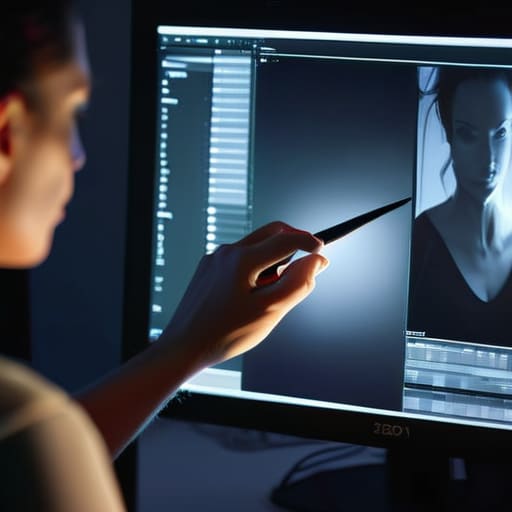
Look, we’ve all been there. You’ve spent three hours wrestling with a client who refuses to sit still, only to realize the key light was two inches too far left, casting a shadow that makes them look like they’re hiding from a crime scene. You can’t go back and re-light the room, so you’re stuck in the digital darkroom. This is where you stop being a photographer and start being a surgeon.
When you’re attempting portrait lighting manipulation in post, the goal isn’t to fake a studio setup you didn’t have; it’s to fix the mistakes the room forced upon you. I usually start by creating a few separate layers for my highlights and shadows. If you try to do this on a single merged layer, you’ll end up with a muddy mess that looks like a bad airbrush job from 1995.
The real trick is maintaining skin texture preservation. If you overdo the dodge and burn, the skin starts looking like polished plastic. You want to use a very low opacity brush—think 1% or 2%—to slowly build back the dimension. You aren’t just brightening eyes; you’re enhancing facial contours that the bad lighting swallowed whole.
The Digital Darkroom Techniques That Save a Difficult Session
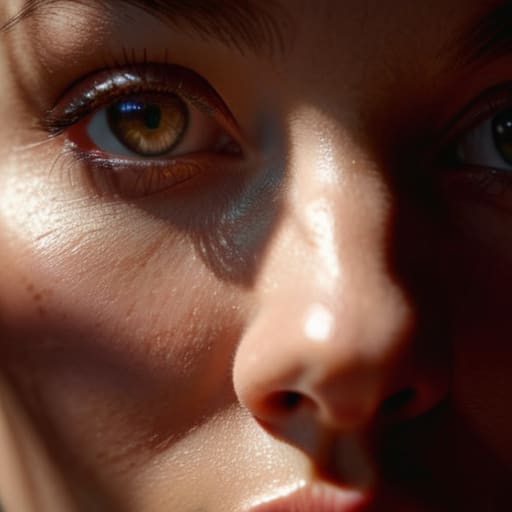
When you’re staring at a RAW file that looks like a flat, lifeless pancake because the modifier was too large or the light was too soft, you have to start rebuilding the depth manually. This is where you lean into digital darkroom techniques that feel less like “fixing” and more like sculpting. I don’t go straight for the heavy lifting; I start by using micro-dodging to pull out the catchlights in the eyes and subtle burning to define the jawline. It’s about enhancing facial contours that the lighting simply failed to catch in the studio.
The real trap, though, is trying to fix skin blotchiness with the same tools you use for light shaping. If you try to dodge a dark spot on the skin without a proper non-destructive editing workflow, you’ll end up with a muddy, plastic mess that looks nothing like a human being. I usually layer in some frequency separation portrait retouching to handle the tonal shifts separately, but I keep the dodge and burn strictly for the structural light. You want to fix the shape of the face, not erase the fact that your subject is a living, breathing person.
Fixing the Room Portrait Lighting Manipulation After the Fact
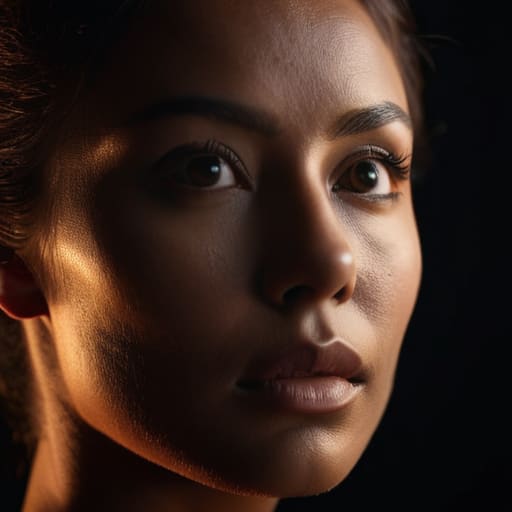
Sometimes the room just fights you. Maybe the window was too bright and washed out the shadow side of their face, or perhaps the client decided halfway through that they wanted a “moody” look when you’d already set up for high-key. When you’re stuck with a flat, uninspired image, you have to treat your post-processing like a second lighting setup. This isn’t just about making things pretty; it’s about portrait lighting manipulation to recreate the depth you failed to capture in the studio.
I usually start by mapping out where the light should have been. I’m not looking to paint a new face, but to nudge the existing light into place. I use a very light touch with my brushes to mimic a subtle rim light or to deepen a jawline that the overhead fluorescent lights turned into mush. The goal is enhancing facial contours without making the person look like a CGI character. If you go too heavy-handed here, you lose the soul of the portrait and end up with something that looks expensive but feels completely dead.
Enhancing Facial Contours Without Losing the Human Soul
This is where most people lose the thread. You start with the goal of enhancing facial contours, but you end up with a subject who looks like they’ve been sculpted out of cheap wax. I’ve seen it a thousand times in student portfolios—they chase the highlights so aggressively that the person’s character just evaporates. If you push the dodge too hard on the cheekbones or the bridge of the nose, you aren’t sculpting a face anymore; you’re painting a mask.
The trick is to treat the light as if it were still in the room with you. I always stick to a non-destructive editing workflow, working on separate layers with low opacity so I can dial back the madness if I realize I’ve gone too far. You want to subtly guide the eye toward the features that matter, not rewrite the person’s anatomy. It’s a delicate balance between fixing a flatly lit shot and maintaining skin texture preservation. If the pores disappear, the soul goes with them. Keep your brush strokes small, your opacity low, and remember: if the retouching is obvious, you’ve failed.
Beyond Frequency Separation Portrait Retouching and Artificial Skin
Look, we need to talk about the trap of frequency separation portrait retouching. I see it all the time in portfolios—faces that look like they’ve been buffed with fine-grit sandpaper until they’re nothing but a smooth, poreless smear. It’s a mistake that happens when you spend too much time chasing “perfection” and forget that people actually have skin. If you use frequency separation to absolutely obliterate the texture, you aren’t retouching anymore; you’re airbrushing a plastic mannequin. I’ve spent too many hours in the digital darkroom trying to salvage a shot where the skin looks like a glazed donut, and let me tell you, it’s a losing battle.
The goal should always be skin texture preservation. Instead of using those heavy-handed separation layers to mask everything, I prefer to use dodge and burn to selectively even out blotchiness while leaving the actual grain of the skin intact. It’s a slower, more tedious way to work, but it keeps the subject looking like a human being rather than a CGI render. If you can maintain the micro-contrast of the pores while subtly evening out the tone, you’ve won. Don’t kill the character of the face just to hide a bit of redness.
A Non Destructive Editing Workflow for the Unpredictable Subject
If you’ve ever had a client show up with a complexion that looks like a topographical map of the Andes, or a lighting setup that accidentally turned their eyes into two dark pits, you know why a non-destructive editing workflow isn’t just a suggestion—it’s survival. I never, ever touch the original file. I work in layers, and I work in masks. If you start painting directly onto your base layer, you’ve already lost. You aren’t just retouching; you’re performing surgery on a moving target, and you need to be able to undo the incision if you realize you’ve gone too far.
I set up my files with dedicated layers for luminosity and color, keeping my dodge and burn separate from any skin texture work. This way, if I realize I’ve been too aggressive with enhancing facial contours, I can just dial back the opacity of that specific layer rather than starting the whole session over. It’s about building a safety net. You want to be able to slide the intensity of your fixes up and down until the subject looks like themselves again, rather than a plastic version of a person who never existed.
Five ways to stop over-retouching and actually save the image
- Work in tiny increments on separate layers. If you try to dodge a whole cheekbone in one go, you’ll end up with a shiny, plastic patch that looks like a thumbprint on a lens. I’d rather spend twenty minutes doing fifty tiny, transparent strokes than five minutes making something look fake.
- Keep your eyes on the texture, not just the light. The moment you start dodging a highlight and you notice the skin pores have vanished into a smooth blur, stop. You’re not sculpting anymore; you’re airbrushing, and we’ve already established that’s a trap.
- Use a low-opacity brush and a soft edge. If you use a hard brush, you’re basically painting with a marker, and it shows. I always set my flow to about 1% or 2%. It’s tedious, yes, but it’s the only way to build up light that feels like it’s actually coming from the room rather than being slapped on in Photoshop.
- Don’t forget the shadows. Everyone obsesses over brightening the eyes or the highlights, but a portrait often falls apart because the shadows are muddy or accidental. Sometimes the “fix” isn’t adding light, but carefully burning away a stray shadow that’s making the subject look like they have a bruise on their jawline.
- Step away from the screen every ten minutes. When you’ve been staring at a single nose for half an hour, your brain stops seeing the person and starts seeing a collection of pixels. Go make a tea, look at a wall that isn’t glowing, and come back. If the dodge and burn looks obvious the second you sit down, you’ve gone too far.
The truth about the "perfect" shot
Look, you can spend three hours moving a softbox two inches to the left to fix a shadow on a nose, or you can just accept that the client was tired and the light was flat, and use dodge and burn to paint the intention back in. Dodge and burn isn’t about making someone look like a plastic doll; it’s about fixing the mistakes the room made so the person can finally look like themselves again.
Iwona Krawczyk
The reality of the finished frame
At the end of the day, dodge and burn isn’t about making someone look like a plastic version of themselves; it’s about reclaiming the intention you had when you first pressed the shutter. We’ve talked about fixing the lighting that failed you, manipulating contours without stripping away the person’s humanity, and building a workflow that doesn’t fall apart when the client inevitably asks for “just one more tiny change.” It’s a messy, technical, and often frustrating way to compensate for a room that was too bright or a subject who wouldn’t stop fidgeting, but it is the tool that bridges the gap between a disastrous capture and a usable portrait.
If you find yourself staring at a screen, wondering if you’ve gone too far, remember that the best retouching is the kind no one actually notices. You aren’t trying to create a new person; you are just trying to guide the viewer’s eye back to the eyes, the expression, and the story that was there all along. Don’t let the technical struggle of the post-production phase make you forget why you picked up the camera in the first place. Even when the shoot is a total wreck, the truth of the subject is still worth the fight. Now, go save that file and get some sleep.
