
I once spent three hours in a dimly lit coffee shop, squinting at a sensor through a magnifying loupe because some forum enthusiast told me that was the only way to avoid a disaster. I felt like a fool, sitting there with my lukewarm latte, obsessing over microscopic dust specks while the actual seller looked at me like I was performing an exorcism. The truth is, most of the “expert” checklists you find online are designed to make you feel like you need a laboratory, but knowing how to test a used camera before buying is actually about much more than just checking for a clean sensor. It’s about feeling the mechanical resistance of the shutter and making sure the electronics don’t throw a tantrum the moment you try to change a setting.
I’m not here to give you a technical manual that reads like a manufacturer’s spec sheet. Instead, I want to give you the practical reality of what actually matters when you’re standing there, holding someone else’s gear, wondering if it’s going to fail you mid-shoot. I’ll show you the specific, tactile things I look for—the stuff that actually breaks—so you can walk away from a bad deal with your sanity and your budget intact.
Understanding How to Test a Used Camera Before Buying
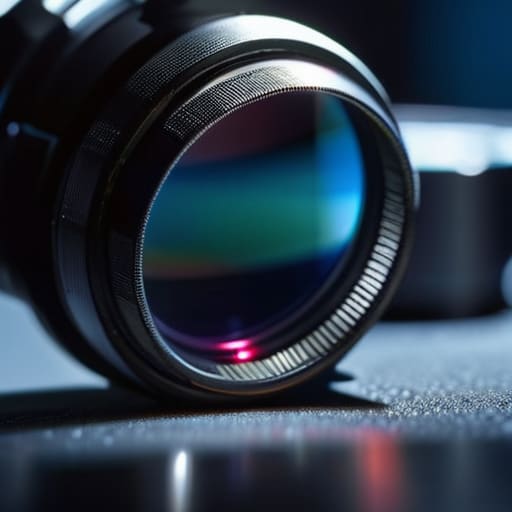
First, you need to stop looking at the shiny exterior and start looking for the scars. A camera might look pristine in a well-lit shop, but you have to be clinical. Start with a camera sensor dust inspection; don’t just take their word for it. Set the camera to a narrow aperture—something like f/16 or f/22—and shoot a plain white wall or a clear sky. If you see dark, persistent spots, you’re looking at a sensor that needs a professional cleaning or, worse, a scratch.
While you’re at it, don’t neglect the mechanical heart of the machine. I always insist on verifying camera shutter life by digging into the menu settings. Every shutter has a finite number of cycles before it starts acting like a temperamental client on a Monday morning. If the shutter count is nearing its rated limit, that’s a massive piece of leverage for a lower price. Finally, check the physical movement. If it’s a DSLR, listen to the mirror slap; if it’s mirrorless, ensure the electronic shutter doesn’t sound like a bag of gravel. You aren’t just buying a tool; you’re buying its reliability.
Key Things to Know
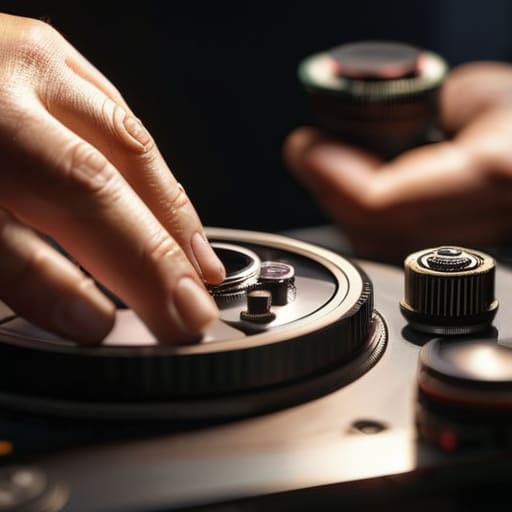
First, forget the marketing fluff and look at the mechanical reality. If you’re looking at a DSLR, you need to be verifying camera shutter life by digging into the metadata. Every shutter has a finite number of clicks before it decides to retire, and you don’t want to find that out mid-commission when a client is staring at you. It’s not just about the number, though; it’s about the feel. If the mirror slap sounds uneven or sluggish, walk away.
Next, grab a flashlight—not your phone, a real one if you can—and perform a proper camera sensor dust inspection. I’ve seen too many beginners mistake a massive piece of grit for a “characterful” sensor spot, only to realize it’s actually a permanent scratch. While you’re at it, do the same for the glass. I’ve lost count of how many times I’ve seen someone skip checking lens fungus and scratches only to realize the “dreamy” glow in their portraits was actually a colony of mold living inside the element. If the glass isn’t clear, the sensor won’t save you.
Practical Tips and Steps
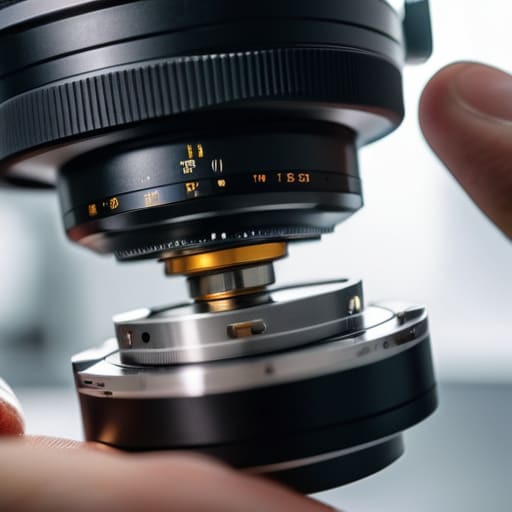
First, don’t just look at the body; look at the guts. When you’re doing a camera sensor dust inspection, don’t rely on the LCD screen—it’s a liar. Set your aperture to f/22, point the camera at a plain white wall or a clear sky, and take a shot. If you see those tiny, stubborn dark spots, you’re looking at actual debris or a pitted sensor. While you’re there, I always run a quick mirrorless camera condition assessment by checking the mount for any signs of wear or grit that suggests the previous owner was a bit too rough with their gear.
Next, get moving. A camera that looks pristine can still be a ticking time bomb. I always make a point of verifying camera shutter life through the internal menu if it’s available, because a high count tells you exactly how much life is left in that mechanical heart. If you’re picking up a lens too, hold it up to the light and tilt it. You’re checking lens fungus and scratches that might not show up in a quick glance but will ruin a portrait when the light hits it just right. If the glass looks cloudy, walk away.
Common Mistakes to Avoid
The biggest mistake I see is the “spec-sheet trap.” People get so caught up in whether the body is the latest model that they forget to actually use it. You can’t just look at a camera and know it’s healthy. I’ve seen people walk away from a deal because the body looked pristine, only to realize a week later that the autofocus was hunting endlessly. Don’t skip the testing autofocus accuracy phase; put a subject in front of you, move back and forth, and make sure the lens actually locks on like it should.
Another trap is assuming a clean exterior means a clean interior. You need to be clinical about the parts you can’t see at a glance. I always insist on a thorough camera sensor dust inspection by shooting a plain white wall at a high f-stop—if those spots are permanent, they aren’t just dust, they’re a headache. And please, don’t just glance at the shutter count. Verifying camera shutter life is non-negotiable. A low number is great, but a camera that has been abused in a high-pressure environment will show it in the wear of the dials and the grit in the buttons long before the counter tells you the truth.
Final Thoughts
At the end of the day, don’t let the technical checklist paralyze you. You can run through a whole used DSLR inspection checklist until your eyes go blurry, but remember that a camera is ultimately a tool meant to be used, not a museum piece. If the body feels balanced in your hands and the sensor is clean, you’re already halfway there. I’ve seen people obsess over tiny cosmetic scuffs only to realize later they missed the fact that the autofocus was hunting constantly.
If you’re leaning towards a mirrorless system, pay extra attention to the electronic connections and the sensor; a thorough camera sensor dust inspection is non-negotiable because cleaning it is a headache you don’t need on a Tuesday morning. Trust your gut. If the gear feels like it’s been treated with respect, it probably has. Just make sure you aren’t buying someone else’s neglected mess. Grab the kit, test the shutter, and get out of the shop so you can actually go shoot something.
The "Don't Get Fooled" Checklist
- Bring your own SD card and a battery that actually holds a charge. Don’t rely on the seller’s “it works fine” excuse; if you can’t test the write speeds or see how the battery drains under load, you’re just gambling with your rent money.
- Check the sensor with a flashlight, not just your eyes. Lean in close and look for the tiny dust motes or scratches that look like nothing in a dark room but show up as giant, distracting ghosts on a wide-open aperture shot.
- Run a shutter count check immediately. It’s the closest thing we have to an odometer, and if the seller says “it’s barely been used” but the count is sitting at 200,000, they’re lying to you about the mechanical life left in that shutter.
- Test the autofocus in different lighting. A camera might hunt perfectly in a bright studio, but you need to know if it’s going to fail you in a dim corner or when a subject starts moving, because that’s exactly when you’ll actually need it to work.
- Press every single button, dial, and flap until your finger hurts. You aren’t just checking if they click; you’re checking if they feel mushy, if the menu lag is unbearable, or if the battery door feels like it’s one sneeze away from snapping off.
The Sensor Isn't the Whole Story
Don’t just stare at the sensor for dust specks and call it a day; take the damn thing out, cycle the shutter a hundred times, and see if the buttons actually click the way they should, because a pristine sensor won’t matter much if the autofocus hunts every time you try to nail a portrait in a dim room.
Iwona Krawczyk
The Reality Check
At the end of the day, testing a used camera is less about reading a spec sheet and more about physical interrogation. You need to feel the tension in the shutter, check the sensor for that tell-tale dust or scratch that no amount of cleaning will fix, and make sure the dials don’t feel like they’re swimming in grit. Don’t let a seller rush you; if they won’t let you mount your own lens or run a few hundred frames through the buffer, walk away. It’s about verifying that the mechanical reality of the tool matches the advertised condition, because a cheap body isn’t a bargain if the autofocus hunts indefinitely the moment you step into a real studio.
Once you’ve done the due diligence and confirmed the gear isn’t a lemon, stop worrying about the equipment and just go shoot. I’ve spent years watching photographers agonize over whether they bought the “perfect” second-hand sensor, only to realize they were using it as an excuse to stay in the studio. A used camera is just a tool, and even a slightly imperfect one can produce incredible work if you know how to manage the light and the person standing in front of it. The magic isn’t in the shutter count; it’s in what you do once you actually press the button.
