
I was halfway through a corporate headshot session—the kind where the client is already checking their watch every five minutes—when I realized the sharpness just wasn’t there. One side of the frame was crisp enough to see the texture of a silk tie, while the other looked like it had been shot through a layer of Vaseline. My first instinct was to blame my focus, then my sensor, and finally the lighting, but the truth was much more annoying: I was dealing with a hardware flaw. Learning how to check a lens for decentring is one of those things they never mention in the glossy gear reviews, but it’s the difference between a professional result and a very expensive mistake.
In this notebook entry, I’m going to skip the technical jargon and show you how to actually diagnose this issue in a real-world setting. We’ll walk through a few specific tests using nothing more than a tripod, a flat subject, and a bit of patience, so you can determine if your glass is actually broken or if you’re just fighting the wrong battle. I’ll tell you exactly what to look for so you can stop second-guessing your technique and start trusting your kit again.
Guide Overview
Tools & Supplies
- Camera with adjustable aperture [Required for testing]
- Tripod [To ensure stability during long exposures]
- Computer or Tablet [To review high-resolution images]
- Flat surface or table [To rest the tripod]
- High-resolution image files [To inspect fine detail]
Step-by-Step Instructions
- 1. First, clear your workspace and grab a tripod. You cannot do this handheld; any micro-tremor from your hands will look like a mechanical flaw when it’s actually just human error. Set your camera up on a rock-solid surface, level it, and make sure the tripod head is locked tight.
- 2. Choose a test subject that is high-contrast and incredibly detailed. Don’t bother with a plain white wall or a soft-focus portrait; you need something with sharp, fine lines like a text-heavy book spine or a textured stone wall. Place this subject at a distance that represents your typical working range—if you shoot portraits, don’t test at infinity if you never shoot at infinity.
- 3. Set your aperture to something relatively narrow, like f/8 or f/11. If you shoot wide open at f/1.4, you’re just photographing bokeh, and bokeh is inherently blurry. You need a deep enough depth of field to ensure that if one side of the frame is soft, it’s because the lens elements are physically misaligned, not because the plane of focus is just a hair too shallow.
- 4. Switch your camera to manual focus and use live view with your highest magnification setting. Frame the subject so it fills the sensor, then carefully adjust the focus until the lines look sharp. Now, here is the crucial bit: rotate the camera slightly or shift your focus point to the extreme corners of the frame. If the center is tack-sharp but the left corner looks like it was shot through a layer of Vaseline while the right is crisp, you’ve found your culprit.
- 5. Repeat this process by slightly changing your distance from the subject. Sometimes decentring only shows up at a specific focal length or distance. I like to move in about a meter and do the whole dance again. If the pattern of softness stays consistent—always favoring one specific corner regardless of where you’re focusing—the lens is almost certainly decentred.
- 6. Once you’ve confirmed the pattern, do a final sanity check by swapping lenses if you have a second one. If the second lens shows a different pattern of sharpness, you aren’t imagining things. It’s not your eye, it’s not the light, and it’s not the sensor; it’s a mechanical failure that requires a trip to the service center.
When the Glass Lies How to Check a Lens for Decentring
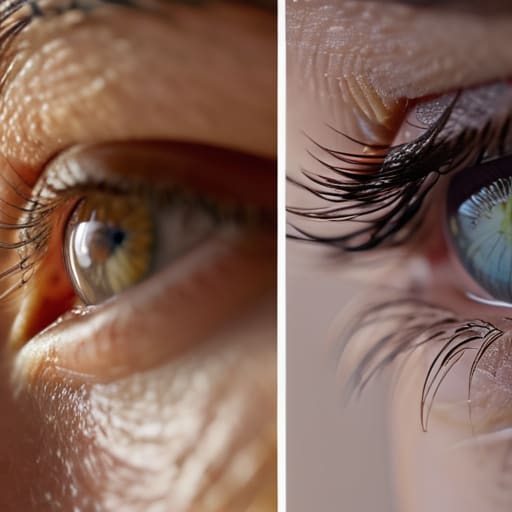
If you’ve run the basic tests and the sharpness still feels “off” in a way you can’t quite name, you might be dealing with a subtle optical axis misalignment. This isn’t always a catastrophic failure; sometimes it’s just a lens that’s slightly “tilted” in its housing. When I’m out on a commission and notice that the left side of a portrait looks crisp while the right side feels like it’s melting into a soup, my first instinct isn’t to tweak my aperture. I look at the edges. If the fall-off is lopsided, you aren’t looking at a lighting issue; you’re looking at a lens that has decided to play by its own rules.
To be sure, perform a quick asymmetrical sharpness test by mounting the camera on a tripod and rotating it 90 degrees. If the “soft” side of the frame moves with the camera, the problem is the glass. If the soft spot stays in the same place on your sensor, it’s actually your sensor plane alignment or a slightly wonky mount. It’s a frustrating distinction, but knowing which one is lying to you saves you from sending a perfectly good body in for a repair that isn’t needed.
Hunting the Optical Axis Misalignment and Lens Element Tilt
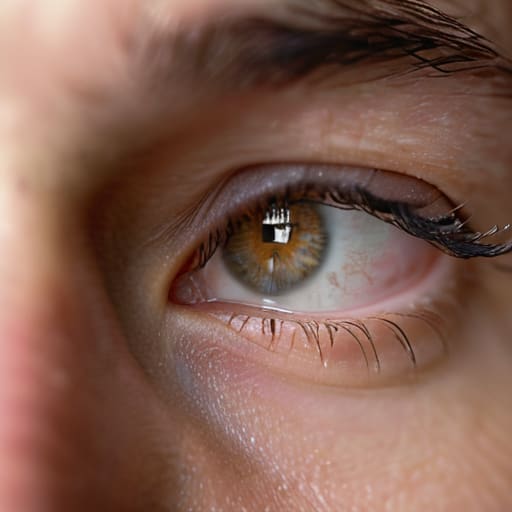
If you’ve already run the standard tests and the results are inconclusive, you need to dig deeper into the geometry of the problem. What you’re often looking for isn’t just a blurry corner, but a subtle optical axis misalignment. This happens when the center of the image seems fine, but the plane of focus feels like it’s sliding diagonally across your frame. It’s a nightmare for portraiture because you might nail the eyes on the left side of the face, only to find the far ear is a soft, mushy mess.
To catch this, I recommend a more rigorous asymmetrical sharpness test. Instead of just checking the corners, use a high-contrast chart or even a fine-patterned fabric. Move your focus point systematically from the top-left to the bottom-right. If the sharpness “drifts” or follows a diagonal path rather than staying centered, you’re likely dealing with lens element tilt. It’s a frustrating realization, but knowing whether the issue is a manufacturing defect or a simple sensor plane alignment error is the difference between sending a lens back for repair and wasting three hours trying to “fix” your lighting.
The Asymmetrical Sharpness Test Exposing Lens Manufacturing Defects
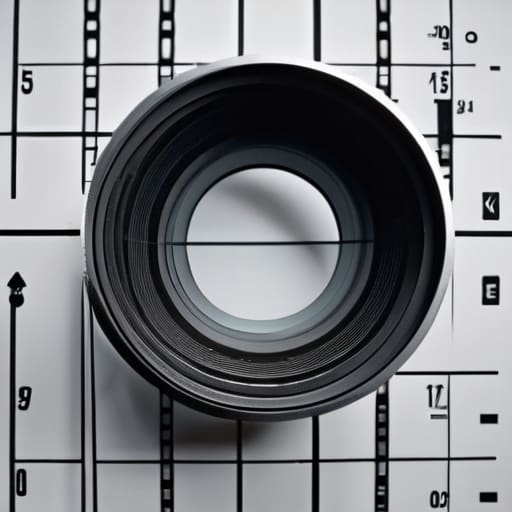
If you’ve already checked the basics and you’re still seeing a weird softness on one side of your frame, it’s time for a proper asymmetrical sharpness test. This isn’t about whether the lens is “good” or “bad” in a general sense; it’s about whether the glass is behaving predictably. I like to set up a test chart—or even just a high-contrast pattern of fine lines—and shoot it at a medium aperture, say f/5.6 or f/8. If the left side of the frame is tack-sharp but the right side looks like it was shot through a light fog, you aren’t dealing with a lighting issue or a dirty sensor. You are looking at a textbook case of lens manufacturing defects.
When you’re running this check, don’t just look at the center. Rotate the camera 90 degrees and shoot again. If the softness “follows” the corner of your frame rather than staying on the same side of the image, the problem might actually be your sensor plane alignment. But if the blur stays stubbornly stuck in the same corner regardless of how you turn the camera, you’ve confirmed a physical tilt within the barrel itself. It’s a frustrating realization, but better to find it in your studio than in the middle of a high-stakes corporate shoot.
A few things to remember before you send it back to the manufacturer
- Don’t blame the lens if your tripod is slightly uneven or your sensor is dirty; I’ve spent more time cleaning dust off a sensor than I have diagnosing actual optical tilt, so rule out the easy stuff first.
- Stop testing in the middle of a bright afternoon; you need a controlled, flat field of light—think a single softbox or a piece of high-quality matte paper—to see where the sharpness actually drops off.
- Use a high-aperture setting for the test, but don’t go too far; shooting at f/22 can introduce diffraction that mimics decentring, making it look like the glass is broken when it’s actually just physics being difficult.
- Check the corners, not the center; a lens can look perfectly sharp in the middle while the left side is a blurry mess, which is the classic hallmark of a tilted element.
- Keep a digital record of your test shots; if you end up in a heated email thread with a service center, “it looks blurry” won’t get you anywhere, but a side-by-side comparison of the left vs. right edge will.
The Truth About the Sharpness Gap
Before you go spiraling into a forum thread about sensor cleanliness or blaming your autofocus, do the math on your corners. If one side of your frame looks like a dream and the other looks like it was shot through a smear of Vaseline, it isn’t your settings—it’s the glass, and it’s likely tilted.
Iwona Krawczyk
The Verdict
If you’ve run the focus tests across all four corners and the sharpness is consistently falling off on one specific side, you’re likely looking at a decentred element. It isn’t just a matter of “character” or a vintage quirk; it’s a mechanical misalignment that will haunt every single frame you shoot. Remember, the goal isn’t to find a perfect lens—because even the best glass has its limits—but to identify when the optical axis is actually broken. Before you pack it up and head to the service center, make sure you haven’t misread the sensor plane or ignored a dirty filter, because you want to be absolutely certain the fault lies with the glass and not your setup.
At the end of the day, we spend so much time obsessing over these technical minutiae because we want to trust our tools. When you’re in the middle of a high-stakes commission, you don’t have the luxury of wondering if the left side of your portrait is soft because of the lighting or because your lens is failing you. Knowing how to diagnose these issues gives you a certain kind of quiet confidence in the studio. You can stop fighting the gear and start focusing on the person in front of you, knowing that when you finally press the shutter, the image will be exactly what you intended it to be.
