
Stop listening to the tech reviewers who swear you need a dedicated, enterprise-grade server rack in your studio just to keep your files safe. It’s a lie sold by people who have never had to hunt for a specific client’s RAW files at 2:00 AM while their coffee goes cold. Most of the advice you find online about how to choose storage for a growing archive is written for people with IT departments, not for people like us who are juggling lighting kits, client tantrums, and a messy desk. You don’t need a complex network architecture; you need a system that doesn’t break your spirit when you realize your primary drive is screaming for mercy.
I’m not going to give you a lecture on data redundancy theory or throw a list of expensive, shiny hardware at you. Instead, I’m going to tell you how I actually manage the chaos of my own files without losing my mind. We’re going to talk about the unsexy reality of hard drive tiers, the specific way I organize my backups so I can actually find things, and how to build a setup that scales as your commissions do. This is about making sure your work survives the drive home.
The Drive Wont Save You How to Choose Storage for a Growing Archive
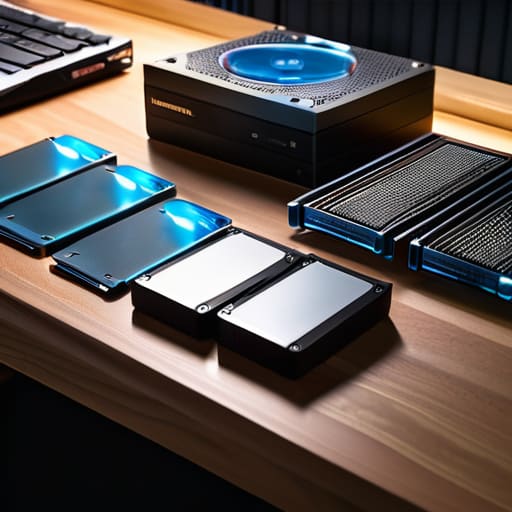
I’ve spent enough years digging through corrupted folders to know that a shiny new external drive is just a ticking time bomb if you don’t have a plan. You can buy the fastest SSD on the market, but if it’s the only place your client’s wedding portraits live, you aren’t a photographer; you’re a gambler. Real security comes from hard drive redundancy strategies—the kind where you aren’t just hoping a drive spins up, but knowing exactly where the second and third copies are sitting.
When I’m looking at my own mess, I stop thinking about “buying more space” and start thinking about storage capacity planning. It’s the difference between realizing you need a dedicated NAS (Network Attached Storage) system and realizing, three hours before a deadline, that your desktop is screaming for mercy. You need to decide early on your stance on cloud vs on-premise archiving. I personally prefer having the physical files under my roof where I can touch them, but I’ve learned the hard way that a secondary, off-site backup is the only thing that lets me sleep when a studio power surge hits.
Predicting the Inevitable the Art of Storage Capacity Planning
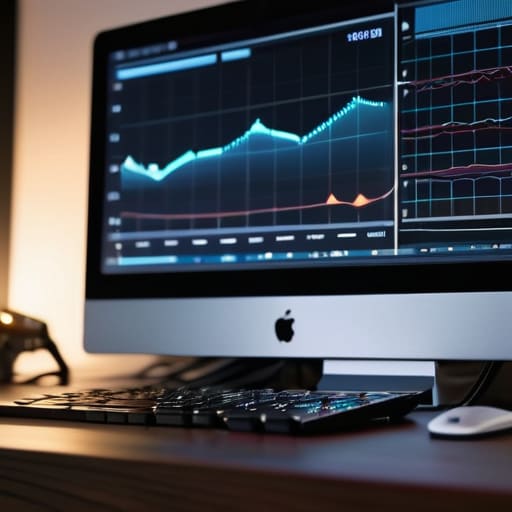
You can’t just look at your current folder of wedding rushes or last month’s corporate headshots and assume that’s the ceiling. If you do, you’re going to hit a wall mid-shoot, and nothing kills a client’s confidence faster than a “Disk Full” error when you’re halfway through a high-stakes session. Real storage capacity planning is about looking at your trajectory, not your current status. I always look at my year-on-year growth—usually a messy, upward curve—and add a massive, slightly ridiculous buffer. It’s better to have a shelf of expensive, empty drives than to be playing digital Tetris with your active projects because you didn’t account for the jump from 4K stills to high-bitrate video.
It’s also about deciding where the “living” files end and the “ghost” files begin. I’ve learned the hard way that a messy data lifecycle management plan is just a polite way of saying you’re hoarding junk. You need a clear pipeline: active files on your fastest SSDs, recent projects on a robust RAID setup, and the stuff from three years ago tucked away in a cold archive. If you don’t decide now what gets moved and when, your workspace will eventually become a digital graveyard where nothing can be found.
Scalable Data Storage Solutions Building for the Work Ahead
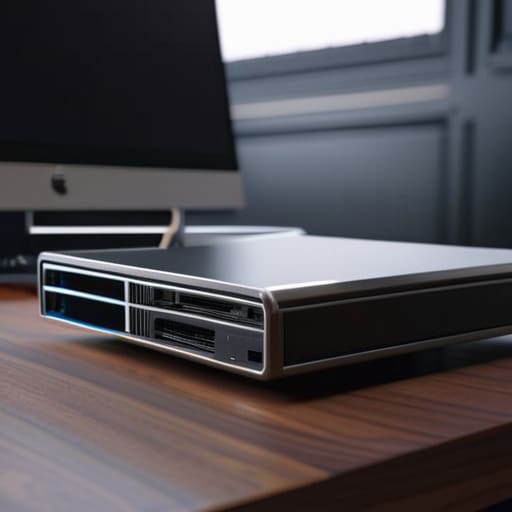
When you’re looking at scalable data storage solutions, don’t get blinded by the shiny marketing for a single, massive server. Building for the future isn’t about buying one giant bucket; it’s about building a system that can grow without requiring you to rip everything out and start over every time you finish a big commission. I like to think of it like a modular studio setup—you don’t buy a permanent wall when you might need to move a partition next month. You need a setup where adding another drive feels like adding another lens to your kit, not like rebuilding your entire workflow from scratch.
This is where the debate of cloud vs on-premise archiving usually gets messy. If you rely solely on the cloud, you’ll eventually hit a wall where your monthly subscription feels like a tax on your own creativity. I’ve found that the most sane approach is a hybrid: keep your active, heavy video files on a local RAID setup for speed, but offload the “finished” archives to the cloud. It’s about creating a tiered system where the data lives where it’s most useful, rather than just dumping everything into the most expensive option available.
The Safety Net Hard Drive Redundancy Strategies That Actually Work
I’ve seen it happen: a photographer buys a single, massive external drive, feels a sense of profound accomplishment, and then watches their entire three-year portfolio vanish because they dropped it during a move or a power surge fried the logic board. If you are relying on a single point of failure, you aren’t archiving; you’re just gambling. Real hard drive redundancy strategies aren’t about buying more gear; they are about accepting that hardware is inherently temporary and destined to fail.
I personally swear by a simplified version of the 3-2-1 rule. I keep my active projects on a fast SSD, a mirrored set on a desktop RAID setup for immediate access, and a secondary copy tucked away in a different physical location. When it comes to the debate of cloud vs on-premise archiving, don’t view it as an “either/or” situation. Use the cloud as your ultimate insurance policy—the “break glass in case of fire” option—while keeping your heavy, unedited RAW files on local drives where you can actually touch them. It’s not about being paranoid; it’s about making sure the next time a client asks for a photo from 2021, you aren’t staring at a spinning wheel of death.
Raid Configurations for Archives Managing the Technical Chaos
Look, I know the term “RAID” sounds like something pulled from a bad sci-fi script, but if you’re moving past single external drives, you’re going to run into it. When we talk about RAID configurations for archives, we aren’t talking about speed—we aren’t editing off these drives in real-time like we’re on a high-speed production set. We are talking about survival. If you’re building a permanent home for your footage, you want a setup where a single drive failure doesn’t turn your entire year of work into a digital paperweight.
For most of us, RAID 5 or RAID 6 is the sweet spot. It’s that specific compromise where you lose a bit of total capacity to “parity,” but in exchange, you get a safety net. I’ve seen too many assistants panic when a drive clicks and dies; with the right configuration, that click is just an expensive inconvenience rather than a career-ending catastrophe. It’s a vital part of your hard drive redundancy strategies, acting as the middle ground between “I hope this works” and “I have a professional system in place.”
Cloud vs on Premise Archiving Deciding Where the Work Lives
I spent years thinking that if I just had a bigger, faster drive, my life would be easier. Then I realized that the real battle isn’t about speed; it’s about where the weight of your work actually sits. When you’re weighing cloud vs on-premise archiving, you aren’t just choosing a service; you’re choosing how much control you want to trade for peace of mind. I used to try and keep everything on local drives because I liked being able to touch my data, but there is a specific kind of panic that sets in when a studio flood or a spilled coffee threatens a year’s worth of client work.
The truth is, most of us need a hybrid approach. You keep your active projects on local RAID setups for that instant-access speed during the edit, but you need to offload the finished stuff to the cloud. Relying solely on local drives means your data lifecycle management is basically just a game of musical chairs with external hard drives. If you don’t have a plan to move old files off your primary workstation and into a secondary, remote location, you aren’t building an archive—you’re just building a digital junk drawer that’s eventually going to overflow.
Five Ways to Stop Losing Sleep Over Your Hard Drives
- Stop treating your primary drive like a junk drawer. If you’re dumping raw files, proxy video, and half-finished edits onto the same drive you’re actively working from, you’re begging for a bottleneck. Keep your “working” drive fast and lean, and move everything else to the archive the second the project is wrapped.
- Budget for the “hidden” costs of storage, which is usually your own time. A cheap, slow external drive might save you fifty quid today, but it will cost you three hours of staring at a progress bar next week when you’re trying to pull a client’s old assets for a revision. Buy the speed you actually need for the workflow you have.
- Check your connection before you buy the hardware. I’ve seen people buy these massive, high-speed RAID arrays only to plug them into a laptop with a single, aging USB port that chokes the second you try to transfer a 4K sequence. Match your drive’s interface to your machine’s ports, or you’re just buying expensive paperweights.
- The “One Copy” Rule is a lie you tell yourself to feel safe. If your archive exists in only one physical location—even if it’s a fancy, expensive SSD—you don’t have an archive; you have a ticking time bomb. Redundancy isn’t a luxury; it’s the bare minimum required to keep your business from vanishing in a single coffee spill.
- Learn to love the “Delete” key (within reason). We all have that impulse to keep every single frame of a shoot “just in case,” but a growing archive isn’t a museum; it’s a library. If the client didn’t pay for the outtakes and they aren’t usable, they are just digital clutter taking up space that your actual, profitable work needs.
The Illusion of the Empty Drive
Don’t let a blinking green light convince you that you’re safe; a new 12TB drive isn’t a solution, it’s just a bigger bucket for the same leak, and unless you have a system for where that data actually lives, you’re just delaying the moment you have to stare at a ‘Disk Full’ error while a client is breathing down your neck.
Iwona Krawczyk
The Reality Check
At the end of the day, choosing a storage strategy isn’t about buying the fastest SSD or the most expensive cloud subscription; it’s about acknowledging that your data is a living, breathing entity that will try to outgrow your budget every single month. We’ve covered the technical mess—the RAID setups, the redundancy, the messy tug-of-war between local drives and the cloud—but none of those things matter if you don’t have a disciplined workflow to back them up. You can have the most sophisticated hardware in the studio, but if your file naming is a disaster and your backup routine is “whenever I remember,” you are essentially building a house on sand.
I know it feels like a chore. It feels like the part of the job that keeps you from actually picking up the camera and making art. But I’ve learned the hard way that the most creative sessions are the ones where you aren’t constantly looking over your shoulder, wondering if that last folder of high-res portraits actually made it to the drive. Build your system with the assumption that things will go wrong, because they will. Once you have that safety net in place, you can stop worrying about the digital clutter and get back to the only thing that actually matters: the work itself.
